Mixed plates
Start a log for a meal with several visible components, then correct the identified items or quantities as needed.
Photo-based meal logging
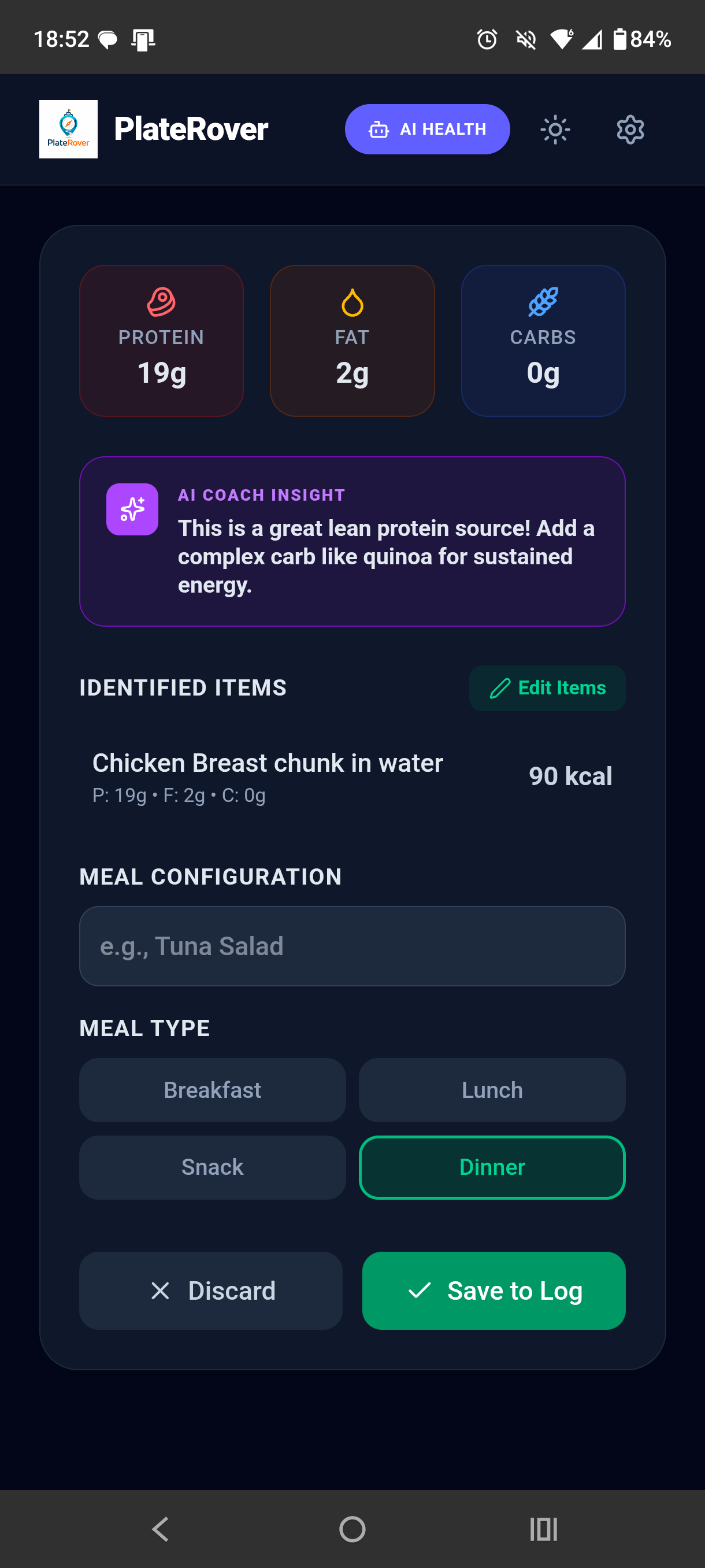
PlateRover turns a meal photo into an editable starting point: identified foods, estimated calories, protein, fat, and carbohydrates that you can review before saving.
Nutrition results are estimates for general tracking, not medical advice.
How it works
A camera scan can remove some of the friction of typing every visible item. PlateRover keeps you in control of the final entry.
When it is useful
Photo scanning is best viewed as a faster first draft of a food log—not an automatic final answer.
Start a log for a meal with several visible components, then correct the identified items or quantities as needed.
Reduce the blank-page feeling when you want to capture a meal now and review its estimated nutrition before saving.
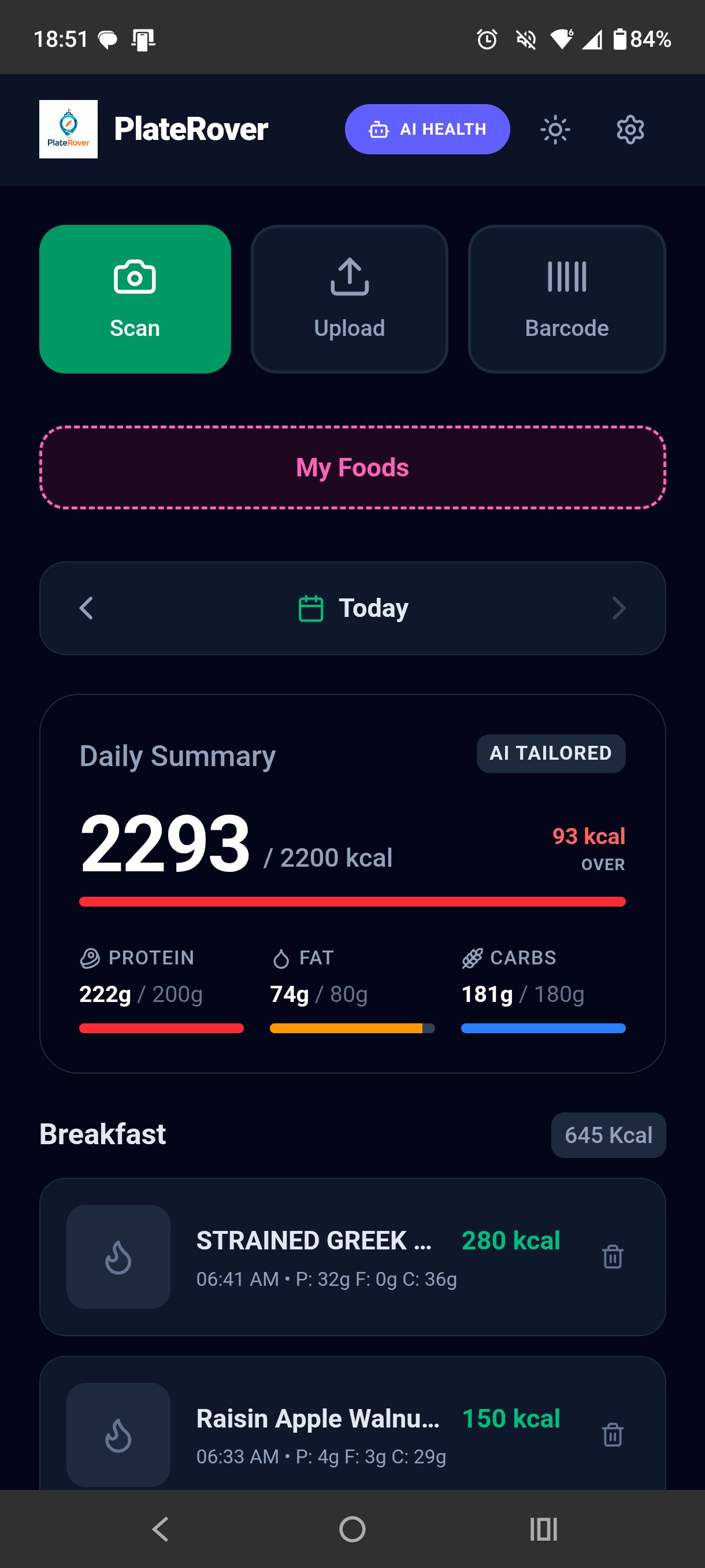
See an estimated protein, fat, and carbohydrate split alongside calories so the entry contributes to your daily overview.
Food recognition is not perfect. A picture may not reveal hidden oils, sauces, recipe ingredients, cooking methods, or exact serving weight. Similar foods can also look alike. PlateRover’s calorie and macro numbers should therefore be treated as estimates. Review identified items and adjust the entry when you know more than the camera can see.
More ways to log
Questions
No. A photo-based result is an estimate, and hidden or visually similar ingredients may be missed or misidentified. Review and edit the result before saving.
PlateRover presents estimated calories and protein, fat, and carbohydrate values with the identified items.
The PlateRover dashboard includes both Scan and Upload options, so you can start with the camera or a photo you already have.
No. PlateRover is an informational nutrition-tracking tool. Estimates are not a diagnosis, treatment, or substitute for advice from a qualified professional.
Photograph the meal, review PlateRover’s estimates, make any needed edits, and save it to your daily nutrition log.
Download PlateRover on Google Play