Prepared meals
Use AI food scanning to create an editable calorie and macro estimate from the visible parts of a plate.
Flexible food logging
PlateRover lets you start with a meal photo, an uploaded image, or a packaged-food barcode, then review the calorie estimate and save the entry into a daily meal view.
Calories are estimates and can change when ingredients, portions, or product data change.
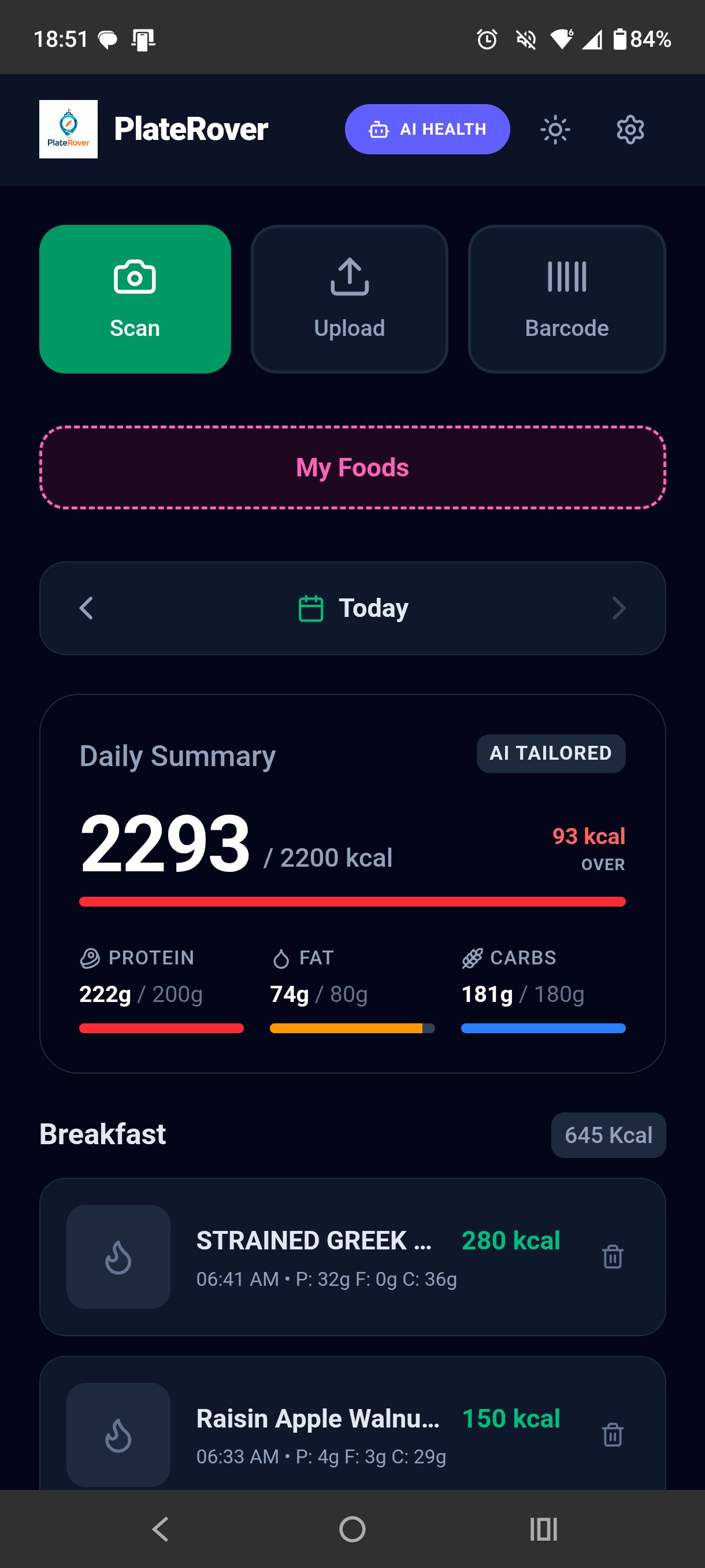
How it works
Convenient logging matters most when it still leaves room to correct what the app cannot know.
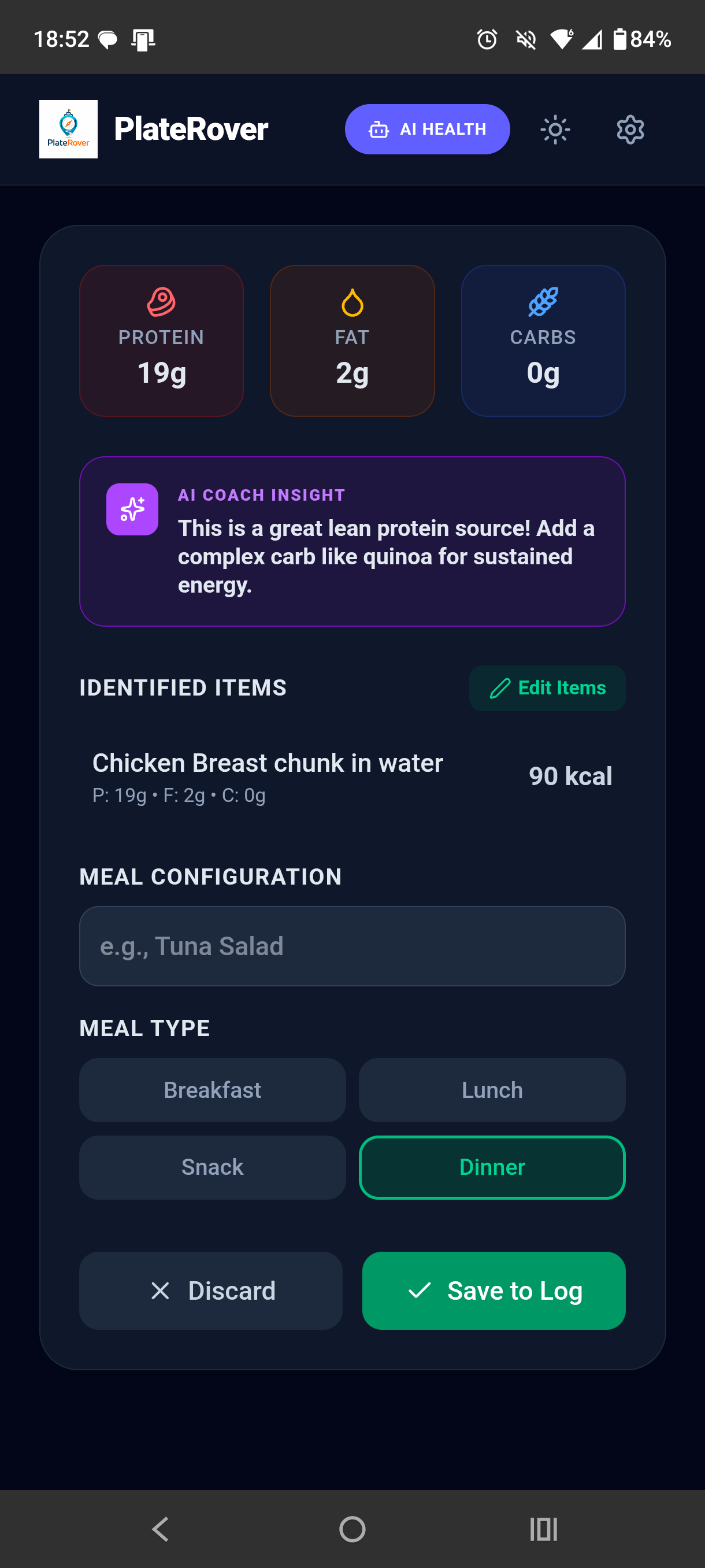
One day, different foods
Use AI food scanning to create an editable calorie and macro estimate from the visible parts of a plate.
Use a barcode lookup for a specific product, then check the result and account for the portion you ate.
Read calorie estimates alongside individual meal entries and macro totals rather than as a number without context.
A camera cannot measure hidden oil, preparation method, recipe quantities, or serving weight. Barcode records can also be missing or different from the package you have. These variables affect calories, so review the entry and use what you know about the food. PlateRover supports general nutrition tracking and does not provide medical advice or exact laboratory measurements.
Related PlateRover capabilities
Questions
Yes. PlateRover can identify visible foods and provide an editable calorie and macro estimate. The result is not exact and should be reviewed.
Yes. Use the barcode scanner to look up a product, confirm that the result matches the package, and account for the serving you consumed.
Yes. PlateRover displays protein, fat, and carbohydrate totals with the daily calorie summary and meal entries.
No. It is a nutrition logging tool with estimated results, not medical advice, diagnosis, or treatment.
Scan a plate or barcode, check the calorie estimate, and keep the reviewed entry with the rest of your day.
Download PlateRover on Google Play